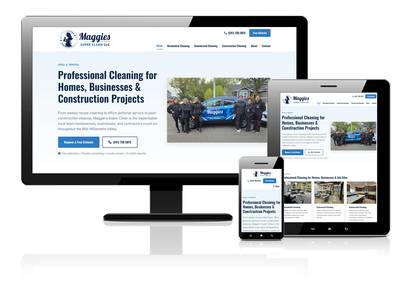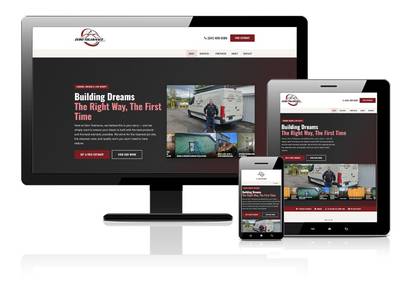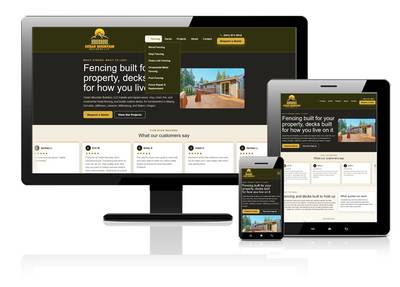
Showcase completed projects, publish optimized pages, and turn your past work into a stronger sales tool. Instead of letting great jobs disappear, use them to build trust, improve visibility, and attract better leads.
Now with built-in AI to help turn your job photos and rough notes into project content you can review, edit, and publish.
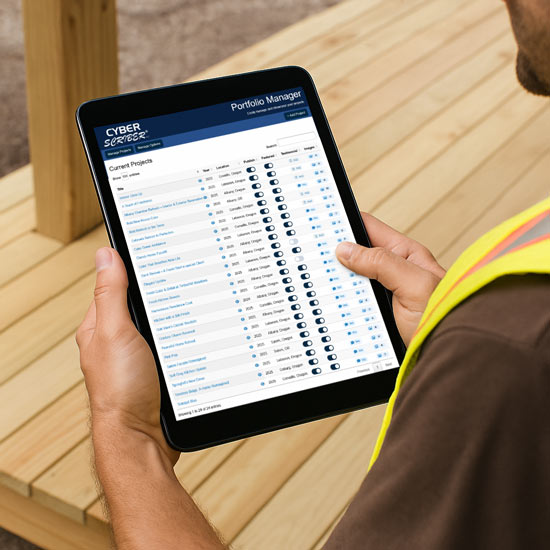
Your finished jobs should do more than sit in your camera roll. Each completed project becomes proof of your work, helps your site grow over time, and gives Google more content to index for the services and areas you want to be found for.
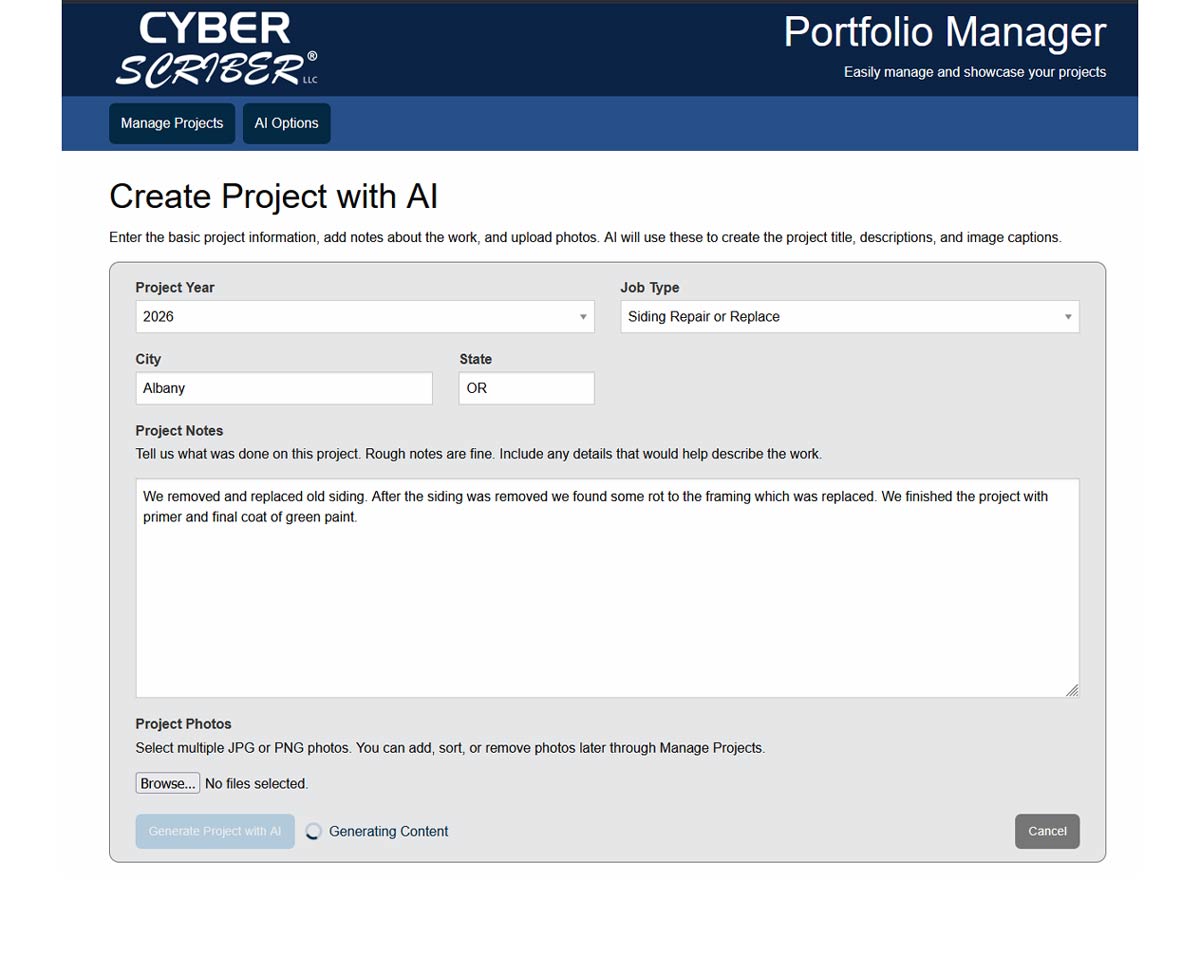
You already have the job photos. Give the Portfolio Manager a few details and rough notes, and its built-in AI does most of the writing.
AI uses your project details, business-specific service options, and notes alongside visible information in your uploaded photos. Supply any important facts the photos cannot show, such as exact materials or hidden construction details.
It all happens inside the Portfolio Manager. You do not need to write prompts, open ChatGPT separately, or copy and paste content into your website.
The generated project opens in the normal editor, where you can review and change anything before publishing.
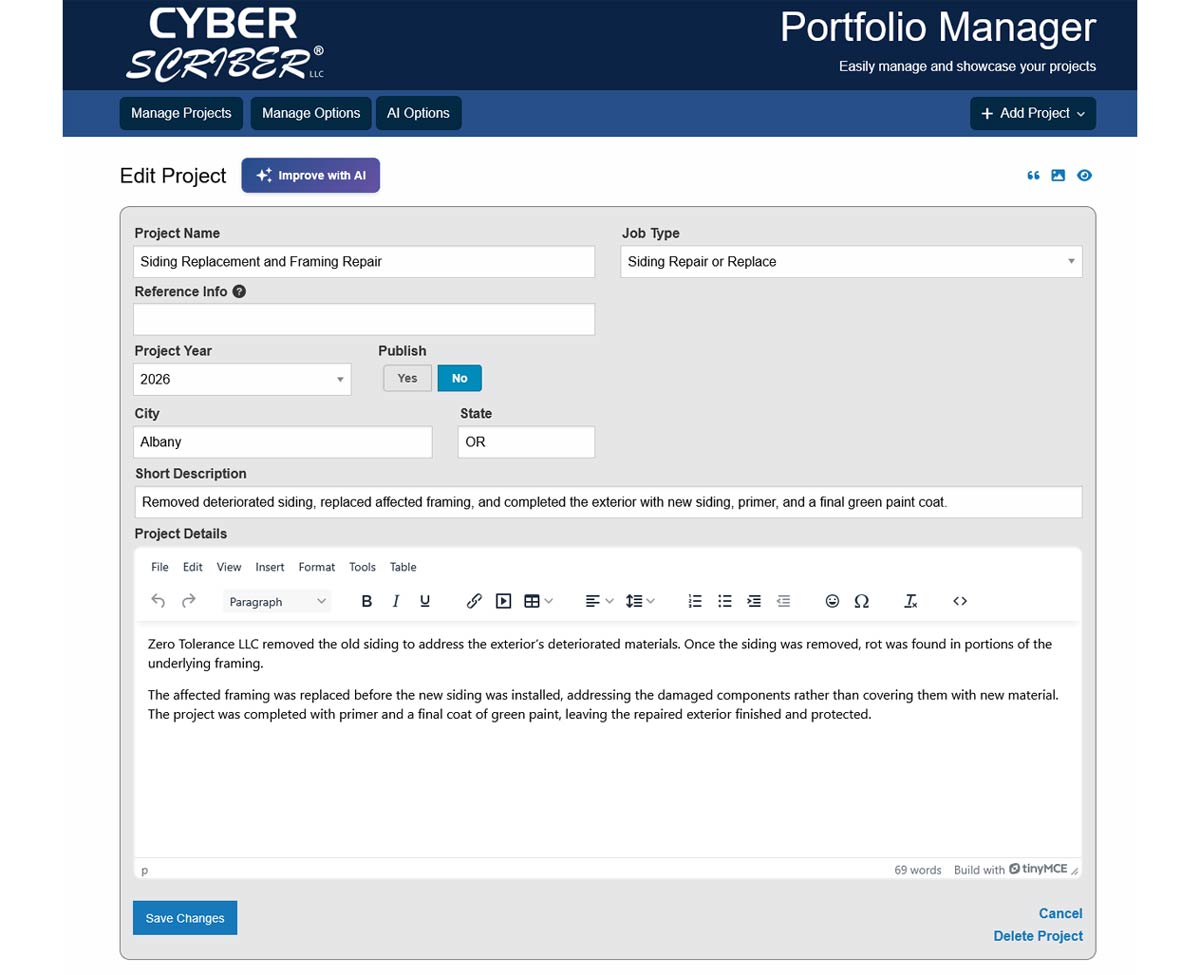
AI-generated content is never automatically published. The new project is an unpublished draft. Review and edit the title, short description, full project description, and image descriptions before publishing. You stay in control of what appears on your website.
Each installation includes AI instructions based on your business.
For a painter, that might mean preparation, cabinets, staining, colors, and finishes. For a remodeler, kitchens, bathrooms, additions, and repairs. For a concrete contractor, excavation, site preparation, concrete, and finishes. The writing is informed by the work your business actually does.
The existing project editor includes AI tools to improve a project's title and descriptions using its information and photos as context. You can also get help writing or improving individual image descriptions.
Prefer to write it yourself? The original manual project workflow is still available. AI-assisted creation is optional.
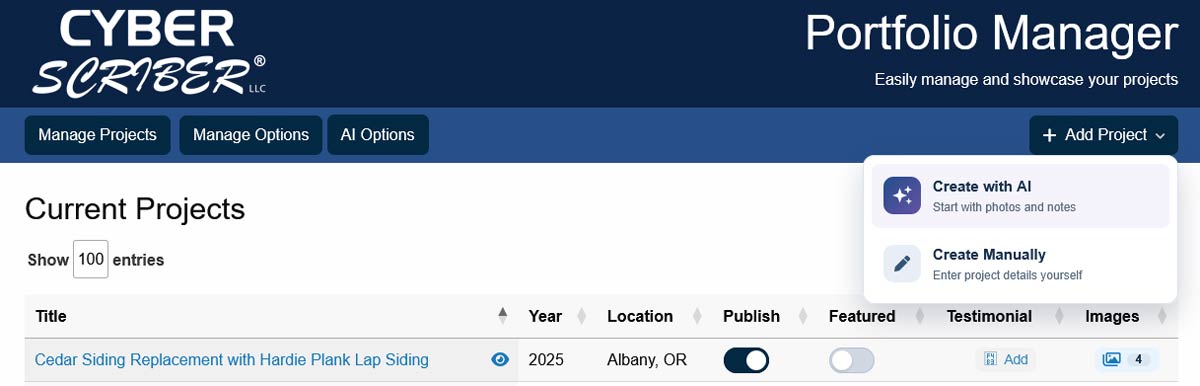
Each new project you add creates a dedicated page on your website. Those pages can target real services, locations, and job types, giving search engines more entry points into your site.
Built-in AI makes it easier to publish useful project pages consistently, with real information about completed jobs, services, locations, and results. The search value comes from those real projects and their individual indexable pages; using AI does not guarantee better rankings.
Most business websites stay static after launch. This system helps your website grow every time you add a project. Each completed job becomes another opportunity to show up in search, build trust, and show real examples of your work.
Why that matters:
The result is a website that gets stronger with every finished job you add.
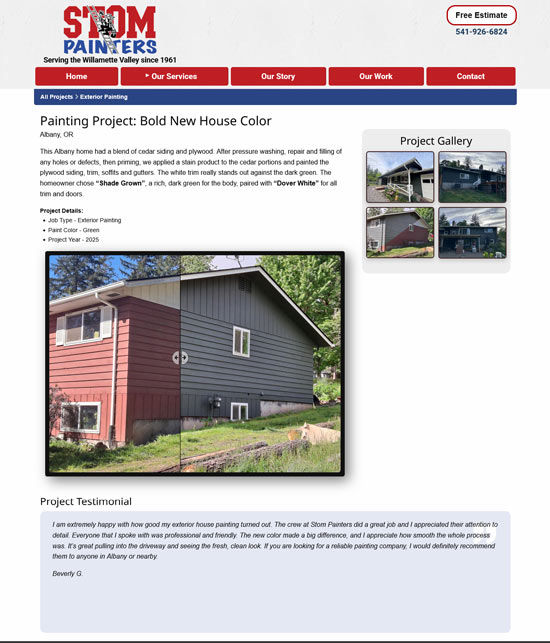
Working with Chris from Cyber Scriber to build my website was a fantastic experience. His attention to detail throughout the entire process really stood out. He made sure everything looked sharp and worked exactly how I needed it to. On top of that, he set me up with a super easy system where I can upload photos and add new projects to my portfolio in just a few clicks. As a contractor, that kind of simplicity and efficiency is a game changer. Highly recommend!
Tim Stom, Owner - Stom Painters
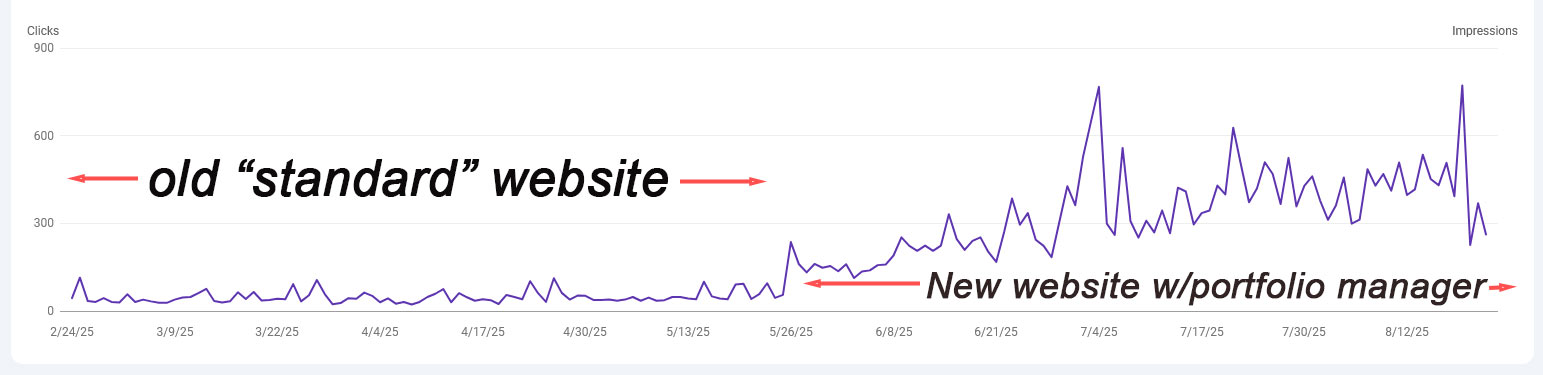
One client grew from roughly 4,800 search impressions to more than 110,000 in a year after consistently adding project content.
Many of the pages driving that visibility were individual project pages created through this system. Results will vary, but the value is clear: useful project content creates more ways for your website to be discovered.
The graph below shows the search impression trend after the site launch and continued project publishing.
See how businesses are using the Portfolio Manager to turn completed work into content that helps customers find them and choose them.
Practical answers for businesses that want their completed work to support credibility, search visibility, and better inquiries over time.
This works best for businesses where showing real work helps win the next job:
This usually works best as part of a custom website we build, so everything works together cleanly. If you already have a site, I can review it and tell you whether integration makes sense or whether a rebuild would be the better fit.
This is best for contractors and service businesses where completed jobs help sell the next one. Painters, remodelers, landscapers, roofers, and exterior service companies are strong fits because customers want to see real examples before they reach out.
It also works for other project-driven businesses that benefit from showing finished work and results on their website.
It can help by giving your website more relevant content around the services, locations, and job types you want to be found for. That does not guarantee rankings, but it gives Google more real project content to index and gives visitors stronger proof when they land on your site.
You do not need hundreds of projects. Even a modest library of strong examples can build trust and support search visibility. The goal is to build a steady collection of real work that shows what you do well.
A basic website usually stays the same month after month. This gives you a way to keep adding useful proof to your site. Instead of relying on a few generic claims, you build a growing library of real jobs that helps customers trust you and helps search engines understand what you do.
Referrals are valuable, and this helps you close more of them. When someone checks your site, they can see real projects and proof that matches the work they need. It also gives you another source of visibility beyond word of mouth.
Yes. If before-and-after visuals help sell your work, the system supports them. That is especially useful for services where the visual change helps the customer understand the value.
Upload your photos, enter basic project details and service options, and add rough notes about the job. AI uses that information and visible details in the photos to create an unpublished draft with a title, short description, detailed description, and a description for every image. Review and edit it before publishing.
No. AI is built directly into the Portfolio Manager. You work through the project interface without writing prompts or copying content between ChatGPT and your website.
No. AI project creation produces editable content in an unpublished project. You review the title, descriptions, and image captions, make any changes, and decide when to publish.
We set up custom AI instructions for your business covering your company's services, terminology, writing preferences, and important accuracy rules. These help the AI create content appropriate for your business. You still review the details before publishing.
Yes. AI-assisted creation is optional. The original manual workflow is still available for creating and editing projects yourself.
Yes. The existing project editor includes AI assistance to improve titles and descriptions using project information and photos as context. It can also help write or improve individual image descriptions.
No. AI functionality is integrated directly into the Portfolio Manager. You do not need your own ChatGPT account or separate AI subscription, or a separate workflow for copying and pasting content between systems.
The Portfolio Manager system is a custom-built solution designed to turn your completed work into ongoing lead generation, not just a one-time website build.
Most projects fall in the mid-thousands depending on how much we build upfront, along with an ongoing monthly plan that covers hosting, support, and continued growth of your site.
The goal isn't just to launch a website, it's to create a system that keeps working for you as you complete new projects and add content over time.
Your completed work should be doing more than sitting in your camera roll. Turn it into content that helps your website grow over time.